Quick Answer
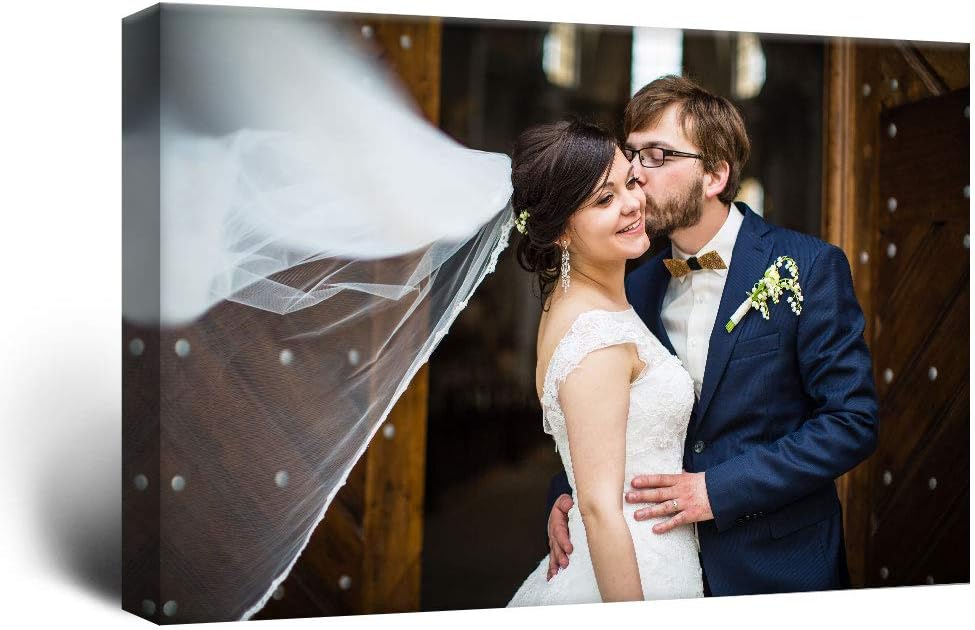
The best canvas prints begin with a sharp source image, an aspect ratio that matches the chosen size, and a crop preview that keeps faces, text, and important details away from wrapped edges. The Personalized Photo to Canvas Print, Framed 11-by-14 is a balanced overall starting point because its moderate size is easier to support with an ordinary phone or camera file than a very large wall piece.
For a panoramic image, the ArtToFrames 36-by-18 Custom Canvas Photo Print provides a wide 2:1 format. For a divided composition, the CCWACPP Custom Three-Panel Canvas turns three photos into separate framed panels. Review the upload preview, edge treatment, production policy, image rights, and final outer dimensions before submitting an order.





Top Picks at a Glance
- Best Overall Standard Size: Personalized Photo to Canvas Print, Framed 11-by-14. A familiar portrait-oriented size for a single personal image.
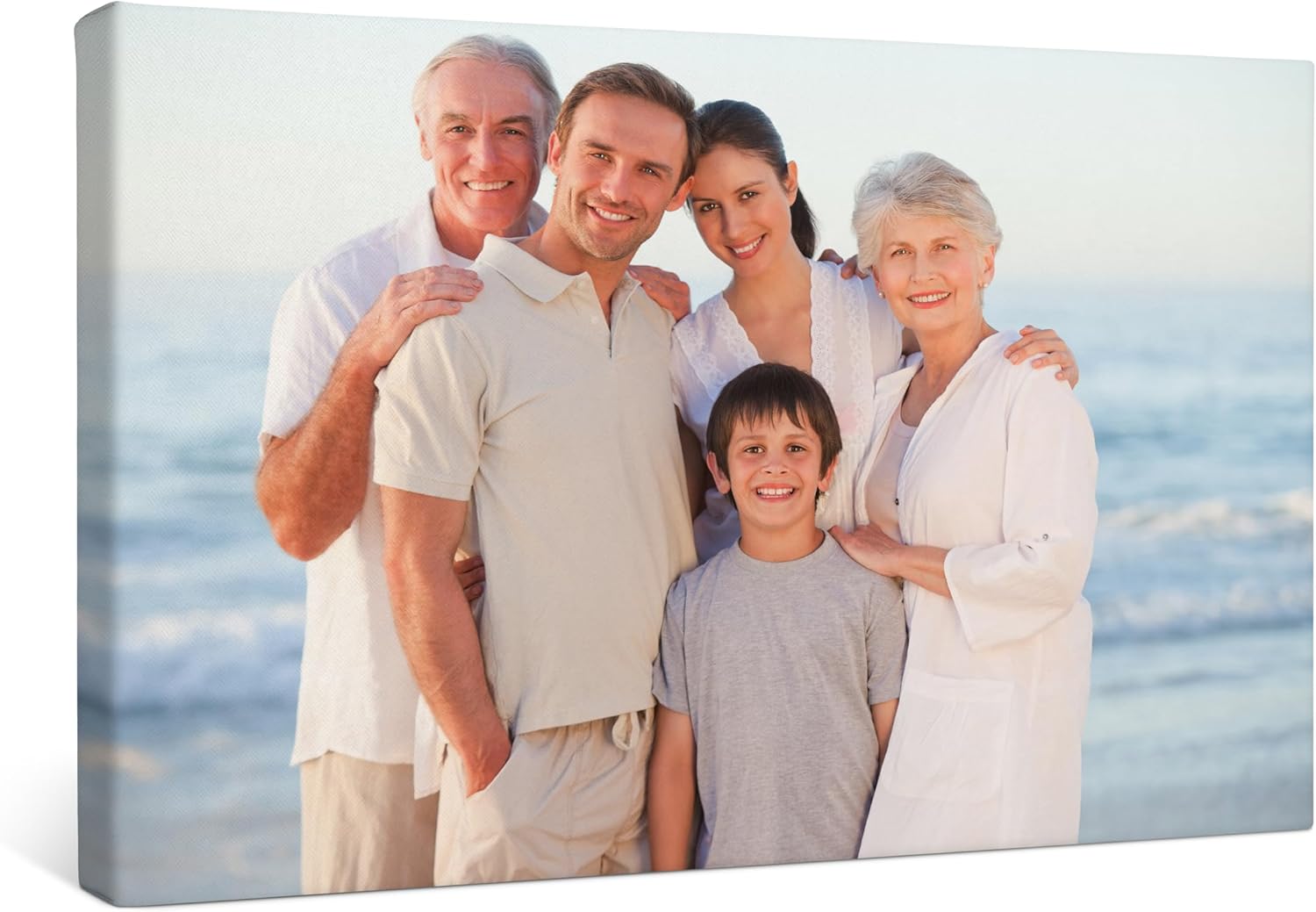
- Best Framed 16-by-20 Option: P&L ART Personalized Canvas Print. A framed 16-by-20 custom photo format.
- Best 16-by-24 Format: wall26 Personalized Photo to Canvas Print. A 16-by-24 option with a 2:3 image ratio.
- Best Three-Panel Layout: CCWACPP Custom Three-Panel Canvas. Three 8-by-16 panels for a triptych-style wall arrangement.
- Best Gallery-Wrapped Choice: Smile Art Design Custom Canvas Print. A made-to-order listing with premium-canvas and gallery-wrapped language.
- Best Hand-Framed Style: Kate and Laurel Custom Printed 16-by-20 Canvas. A natural-frame listing described as printed and hand framed in the USA.
- Best Panoramic Size: ArtToFrames 36-by-18 Custom Canvas Photo Print. A wide gallery-wrapped format for landscape or panoramic compositions.
- Best Landscape Keepsake: Stupell Industries 16-by-20 Custom Canvas. A landscape-oriented personalized wall-decor listing.
What Makes the Best Canvas Prints Look Intentional?
The best canvas prints match four things: source-image quality, physical size, aspect ratio, and edge treatment. A meaningful photograph cannot compensate for a crop that removes part of a face, and a large format cannot create detail that the original file never captured.
Start with the wall and normal viewing distance. A small 8-by-10 or 11-by-14 print suits a desk area, narrow hall, or gallery grouping. A 16-by-20 or 16-by-24 creates more presence. A 30-by-40 or 36-by-18 canvas becomes a focal point and demands a stronger source file.
Measure the finished outer dimensions, including any floating or conventional frame. Mark the rectangle on the wall with removable tape. Check furniture, switches, sconces, doors, ceiling height, and the hanging point. A canvas that fits between two objects may still feel cramped once frame depth and visual margins are considered.
Do not choose size only because a seller offers it. The correct print is the largest format the image can support at the expected viewing distance without revealing distracting blur, noise, or compression.
Check the Original File Before Uploading
The best canvas prints need the original image file whenever possible. A photo downloaded from social media, copied from a message, or captured as a screenshot may be much smaller and more compressed than the camera original.
Check pixel dimensions rather than file size alone. A large file in megabytes can still be blurry, while an efficiently compressed file may contain enough pixels. Printing services often provide a resolution warning or minimum recommendation for each physical size; follow the current seller guidance.
Zoom to inspect faces, eyes, fine edges, text, and areas of low light. Motion blur and missed focus cannot be repaired simply by increasing contrast or adding pixels. Noise reduction and sharpening can change texture, especially on skin and fur.
Use the highest-quality export available without repeatedly saving a compressed JPEG. Keep an untouched copy of the original. If editing is necessary, export once in a file type, color space, and maximum upload size the service accepts.
Resolution Depends on Print Size and Viewing Distance
Pixels per inch describes how source pixels are distributed across the printed dimensions. A 16-by-20 canvas needs more source pixels than an 8-by-10 at the same density. A large wall print can sometimes use a lower density because viewers stand farther away, but it still cannot hide severe blur or blocky compression.
Ask the service whether its preview shows effective resolution after cropping. Cropping removes pixels. A high-resolution image can fall below the preferred range if only a small subject is selected from the center.
Panoramic and three-panel layouts deserve extra scrutiny. The ArtToFrames 36-by-18 option uses a wide ratio, and the CCWACPP listing divides content across three panels. A narrow crop may discard much of a standard phone image, while a triptych can place panel gaps through important details.
Do not rely on a thumbnail preview to judge sharpness. Review at the largest preview level offered and ask for clarification when the ordering interface flags quality. Personalized-item policies may limit cancellation after production begins.
Match Aspect Ratio Before Choosing a Size
Aspect ratio is the relationship between image width and height. An 8-by-10, 11-by-14, 16-by-20, 16-by-24, and 36-by-18 canvas each has a different shape. When the source ratio differs, the service must crop, add borders, or use another layout.
A 16-by-20 print has a 4:5 ratio, while 16 by 24 has a 2:3 ratio. Many cameras and phones create files closer to one of these shapes, but settings and edits vary. Rotating from portrait to landscape changes orientation, not the ratio itself.
Open the seller’s crop preview and move the image deliberately. Keep heads, hands, feet, text, pets, and meaningful background details within the visible safe area. Leave breathing room around faces because framing and wrapping can consume more edge than a screen preview suggests.
If the crop removes essential content, choose a different size ratio, add a designed border, or select another image. Stretching the image non-proportionally to fill the canvas will distort faces and objects and should not be confused with cropping.
Understand Gallery Wrap and Edge Treatment
A gallery-wrapped canvas stretches printed material around wooden stretcher bars so the image continues to the sides or receives another edge treatment. The Smile Art and ArtToFrames listings use gallery-wrap language. The result can hang without an external frame when backing and hardware are included.
An image-wrap edge uses part of the photograph on the sides. Important content near the border can disappear from the front. A mirrored edge duplicates border pixels to preserve more of the front image, while a solid-color edge uses a selected tone. Services may offer different names and previews for these choices.
Frame depth determines how much canvas wraps around the sides. The BuildASign result pool included a 1.5-inch depth, illustrating why depth should be checked separately from width and height. The selected products may have their own depth options and should be verified individually.
The best canvas prints show the wrap choice clearly before purchase. Inspect all four edges in the preview, especially where horizons, heads, text, or architectural lines approach the border.
Floating Frames and Conventional Frames
A floating frame surrounds a stretched canvas with a visible gap, creating a defined edge without covering the face of the print. A conventional frame may overlap the outer edge more like framed paper art. Product listings sometimes use the word framed simply to mean stretched over internal bars, so read the configuration details.
The P&L ART, Kate and Laurel, and standard 11-by-14 listings use framed language. Confirm whether this means an exposed external frame, an internal stretcher frame, or both. Check frame color, outer dimensions, depth, backing, and hanging hardware.
Frames add weight and can alter the visual relationship to nearby furniture. Natural, black, white, or metallic frames may change how printed colors appear. A frame preview is useful, but monitor color and room lighting can still shift the impression.
Unframed canvas can mean a rolled print or a stretched canvas without a decorative frame, depending on the seller. Verify whether the product arrives ready to hang or requires local stretching and framing.
Plan Three-Panel and Gallery Arrangements
Three-panel best canvas prints create movement across a wall but require more planning than one rectangle. The selected CCWACPP format uses three 8-by-16 panels. Confirm whether the order uses three separate photos or one image split across panels.
If one image spans the set, decide how the gaps affect faces, horizons, buildings, and text. The preview should show the split positions. Keep critical features away from the panel edges and allow for image wrap on each individual piece.
Measure total installed width as the sum of all panel widths plus the gaps. Use a level and a repeatable spacing guide. Small differences in height or gap size become obvious when panel edges are meant to align.
Each panel needs suitable hardware and wall anchors. A single long line on the wall does not guarantee that every hook is level if floors or ceilings are uneven. Install relative to the composition and verify visually from normal viewing distance.
Color on Canvas Will Differ From a Screen
Phones and monitors emit light; canvas reflects room light. A bright screen can make shadows and colors appear more luminous than a physical print. The canvas texture, ink, protective coating, room bulbs, and surrounding wall color also influence the result.
Lowering screen brightness to a realistic level can provide a more honest editing view. Avoid extreme saturation, crushed shadows, or aggressive sharpening intended to make the image pop on a small display. Skin tone and neutral areas reveal color shifts quickly.
Some services apply automatic color or exposure correction. Determine whether correction is optional and whether a proof is available. Automated adjustments may improve an underexposed snapshot but can conflict with intentionally muted, warm, black-and-white, or high-contrast editing.
No preview can guarantee an exact screen match. The best canvas prints provide clear expectations, but buyers should allow for normal differences between devices, printing, canvas texture, and room light.
Text, Collages, and Personalized Details
Text must remain inside the safe area and use a size that is readable at the final print dimensions. Check spelling, names, dates, punctuation, and capitalization. Custom products may enter production quickly, leaving little time to correct an error.
Thin fonts and low-contrast lettering can disappear into canvas texture. Place text over a calm background or use a designed panel rather than a busy image. Keep it away from wrap edges and frame overlap.
For collages, use images with reasonably consistent color and exposure. Low-resolution screenshots become more noticeable beside sharp camera files. Leave intentional spacing rather than crowding every available area.
Save a screenshot or order proof showing the final crop, text, orientation, and option selections. It provides a reference if the delivered print differs from the approved configuration.
Privacy, Copyright, and Image Permission
Custom canvas orders require uploading personal files to a seller or production service. Review how images are transmitted, stored, used, shared with production partners, and deleted. Avoid uploading highly sensitive documents or private images when the policy is unclear.
Use photos you own or have permission to reproduce. Purchasing a digital file or receiving a professional portrait does not always include print reproduction rights. Ask the photographer or rights holder when licensing is uncertain.
Obtain appropriate consent before printing identifiable people, especially for public display or commercial use. Consider whether a child’s image, home address, school information, or other personal detail appears in the background.
The best canvas prints are meaningful without creating an avoidable privacy or copyright problem. Read customization rules before uploading and retain the source and permission records.
Inspect the Canvas When It Arrives
The best canvas prints should be opened on a clean, dry surface with the print face protected from blades. Inspect the crop, orientation, text, color, corners, frame joints, canvas tension, backing, and hardware. Compare the result with the saved proof rather than memory.
Look across the surface in side light for dents, pressure marks, ripples, scratches, or loose canvas. Check whether the frame is square and sits flat against a level wall. A slight canvas texture is expected; a sharp crease or visibly twisted stretcher is different.
Photograph shipping damage and packaging before discarding anything. Custom-item return and remake policies differ, so contact the seller within the required window. Do not attempt a wet repair, heat treatment, or aggressive retensioning without manufacturer guidance.
Hang and Care for the Print
Confirm the finished weight and included hardware. Match anchors to the wall construction and use all required hanging points. Large or multi-panel pieces may need a second person for safe layout and lifting.
Readers planning hardware can compare picture hanging kits, but the canvas manufacturer’s hardware and wall requirements remain authoritative. Keep wall art away from persistent humidity, direct heat, and strong sunlight unless the product is rated for those conditions.
Dust gently with a clean, soft, dry tool. Do not spray cleaner onto canvas or scrub printed texture. Handle by the frame rather than pressing fingers into the front or back of the fabric.
When arranging canvas near reflective decor, consider glare and visual competition. The guides to arched mirrors and floor mirrors explain sight-line and mounting concerns that can affect a mixed gallery wall or adjacent placement.
How We Tested & Evaluated
This guide does not claim hands-on colorimetry, print-resolution, fade, canvas-tension, frame-strength, or privacy-policy auditing. We reviewed current Amazon search results retrieved through Crawlbase and preserved the listed names and formats. We compared physical size, orientation, standard versus panoramic shape, one-panel versus three-panel layout, gallery-wrap and framed language, and ready-to-hang positioning.
Our evaluation of the best canvas prints prioritizes buyer-verifiable steps: source pixels, sharpness, aspect ratio, crop preview, safe area, edge treatment, frame depth, proof, upload policy, image rights, finished dimensions, packaging, and hanging hardware. We do not treat premium or stunning language as verified print performance.
The use-case labels reflect format differences. The 11-by-14 listing represents a manageable standard size; P&L ART covers framed 16-by-20; wall26 covers 16-by-24; CCWACPP represents panels; Smile Art represents gallery wrap; Kate and Laurel represents an external framed look; ArtToFrames represents panorama; and Stupell represents a landscape keepsake.
Common Mistakes to Avoid
Choosing the best canvas prints becomes easier when these ordering errors are avoided:
- Uploading a social-media copy: Use the original high-resolution file when possible.
- Choosing size before checking pixels: Large formats reveal blur, noise, and compression.
- Ignoring aspect ratio: A mismatched ratio forces cropping, borders, or distortion.
- Placing faces or text at the edge: Wrap and frame overlap can remove important details.
- Assuming framed always means an external frame: Confirm stretcher bars, floating frame, decorative frame, and outer dimensions.
- Expecting screen-identical color: Displays emit light while canvas reflects room light.
- Skipping privacy and rights checks: Review file handling and obtain reproduction permission.
- Discarding packaging immediately: Inspect the custom print and document transit damage first.
Buying Checklist
Before ordering one of the best canvas prints, verify the following:
- Measure wall space and finished outer dimensions, including frame and depth.
- Choose portrait, landscape, square, panoramic, collage, or multi-panel orientation.
- Use the original file and check pixel dimensions, focus, noise, compression, and editing.
- Match image and print aspect ratios before approving the crop.
- Keep faces, text, horizons, and critical details inside the safe area.
- Select image wrap, mirrored edge, solid edge, gallery wrap, floating frame, or conventional frame deliberately.
- Review color correction, proofing, file type, upload limit, production time, and cancellation policy.
- Confirm privacy, file retention, copyright permission, consent, and sensitive-image handling.
- Check stretcher depth, backing, hanging hardware, wall anchors, and finished weight.
- Save the approved preview and inspect crop, color, tension, frame, and shipping condition on arrival.
FAQ
How many pixels do I need for a canvas print?
The required pixel dimensions depend on print size, crop, expected viewing distance, and the service’s production process. Use the seller’s current recommendation and quality warning. A larger print and tighter crop generally require more source pixels.
What is a gallery-wrapped canvas?
It is canvas stretched around internal bars, with printed or selected edge treatment continuing around the sides. It can often hang without a decorative external frame, but backing and hardware should be confirmed.
Why did my canvas crop part of the photo?
The source image and selected print probably have different aspect ratios, or the gallery wrap used content near the edges. Review the crop and all side previews, choose another ratio, or use a mirrored or solid edge when offered.
Will canvas colors match my phone exactly?
No exact match is guaranteed. Phone brightness, display calibration, print inks, canvas texture, coating, and room light change appearance. Use realistic screen brightness and review the service’s color-correction options.
Can I print a professional photograph on canvas?
Only when you own the reproduction rights or have permission from the photographer or rights holder. Buying a digital image or portrait session does not always include commercial or physical-print rights.
What are the best canvas prints for a panoramic photo?
The best canvas prints for panoramas use a wide physical ratio that matches the source image, enough pixels after cropping, and a wrap treatment that preserves horizon and edge details. The 36-by-18 format is a useful 2:1 comparison point.
Final Takeaway
The best canvas prints are decided before production begins. Choose wall size and orientation, inspect the original file, match aspect ratio, protect important details from crop and wrap, and review color, frame, privacy, and image rights. Save the approved proof, inspect the delivered canvas carefully, and hang it with hardware suited to the finished weight and wall.