

A cluttered living room usually comes down to two culprits: a tangle of cords behind the TV and no flexible seating for everyday use. The good news is that both problems have simple, budget-friendly fixes. By pairing a TV stand with built-in cable management with a versatile pouf ottoman, you can transform a chaotic media corner into an organized, welcoming space in an afternoon. This step-by-step guide walks you through planning the layout, choosing the right pieces, routing your cables, and styling the final result.
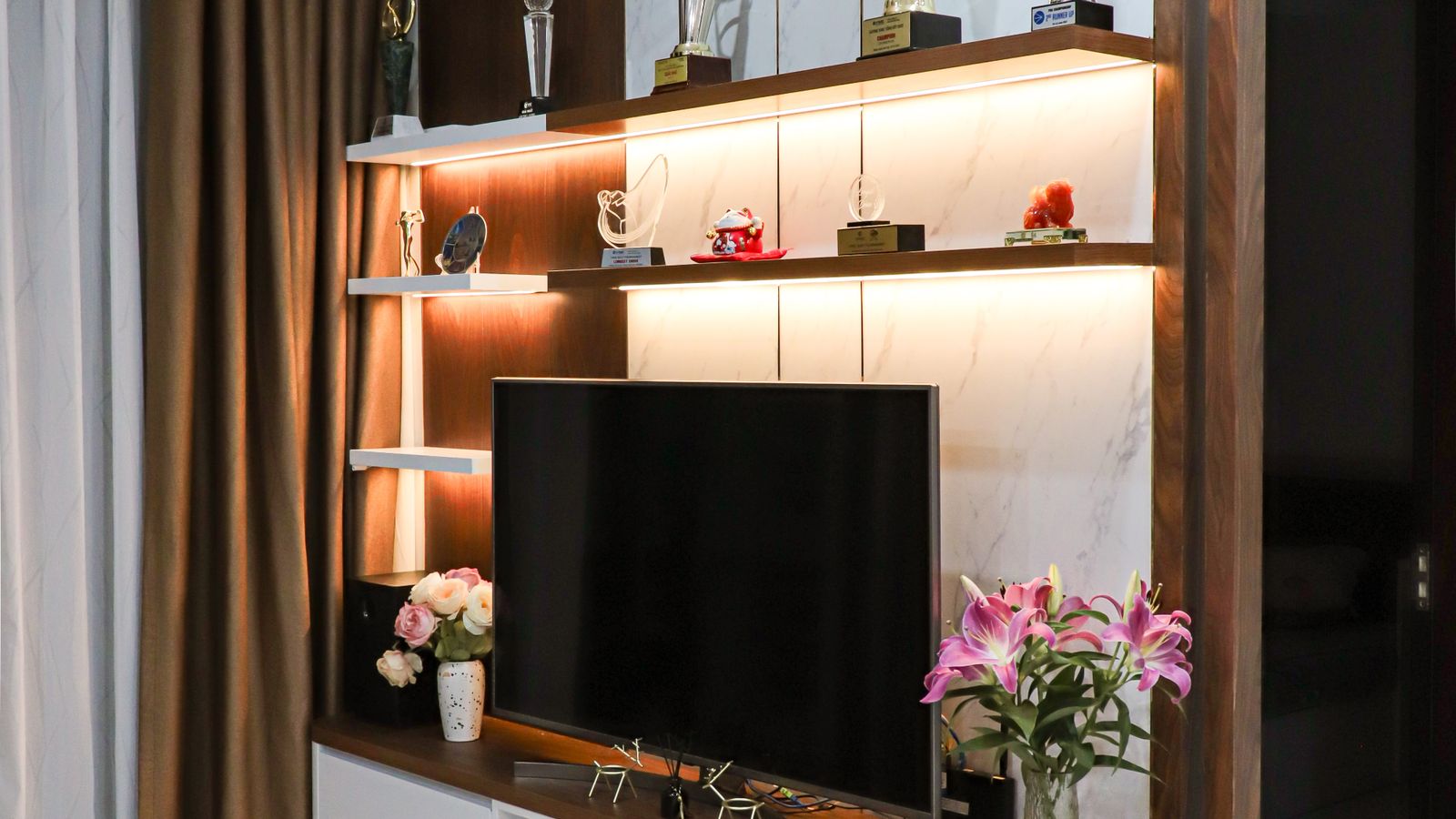
What You’ll Need
Before you start rearranging furniture, gather these tools and materials so the project goes smoothly from start to finish.
- A TV stand with cable management sized to your television and wall space
- A pouf ottoman or two for flexible extra seating and footrest space
- Cable ties, clips, or a cable sleeve (often included with the stand)
- A power strip with an on/off switch, ideally with USB ports
- A tape measure and painter’s tape for marking placement
- A soft cloth for dusting surfaces before setup
- Optional: a small accent cabinet or shelf for extra storage
Step 1: Measure Your Space and TV
Start by measuring the wall where the TV stand will sit, along with the width, depth, and weight of your television. Most cable-management TV stands list a maximum TV size and weight capacity, so confirm your set fits comfortably within those limits. Leave at least 4 to 6 inches of clearance on either side of the stand for airflow and easy access to ports. Mark the stand’s footprint on the floor with painter’s tape to visualize the layout before you commit to a spot.
Step 2: Choose the Right TV Stand
Not all cable-management stands are built the same way. Look for a model with a rear cutout or channel, a closed back panel to hide cords from view, and at least one enclosed cabinet or drawer for streaming boxes and gaming consoles. If you’re shopping for options, our roundup of TV Stands with Cable Management compares styles, sizes, and price points to help you pick one that matches your living room’s layout and decor.
Step 3: Plan Your Cable Routing
Before plugging anything in, sketch a quick plan of where each cable needs to travel: power cords, HDMI cables, speaker wires, and any streaming device cords. Most cable-management stands include a routing channel along the back or a grommet hole in the top shelf. Route the thickest cables (usually power cords) along the outer edge and keep signal cables like HDMI separate to reduce interference.
Step 4: Install the Cable Management System
- Assemble the TV stand fully before running any cables, following the manufacturer’s instructions.
- Feed the power strip’s main cord through the largest cutout first, then mount or tuck the strip inside a cabinet or along the back panel.
- Plug in the TV, streaming device, and any consoles into the power strip, keeping like cables bundled together.
- Use cable ties or clips every 8 to 10 inches to secure loose cords along the back panel so nothing droops or dangles.
- Route HDMI and audio cables through the designated channel, leaving a small amount of slack for the TV to swivel if the stand allows it.
- Tuck any excess cable length into a cable sleeve or coil it neatly and zip-tie it out of sight.
- Test every connection by powering on the TV and each device before pushing the stand fully against the wall.
Step 5: Position the TV Stand for Flow
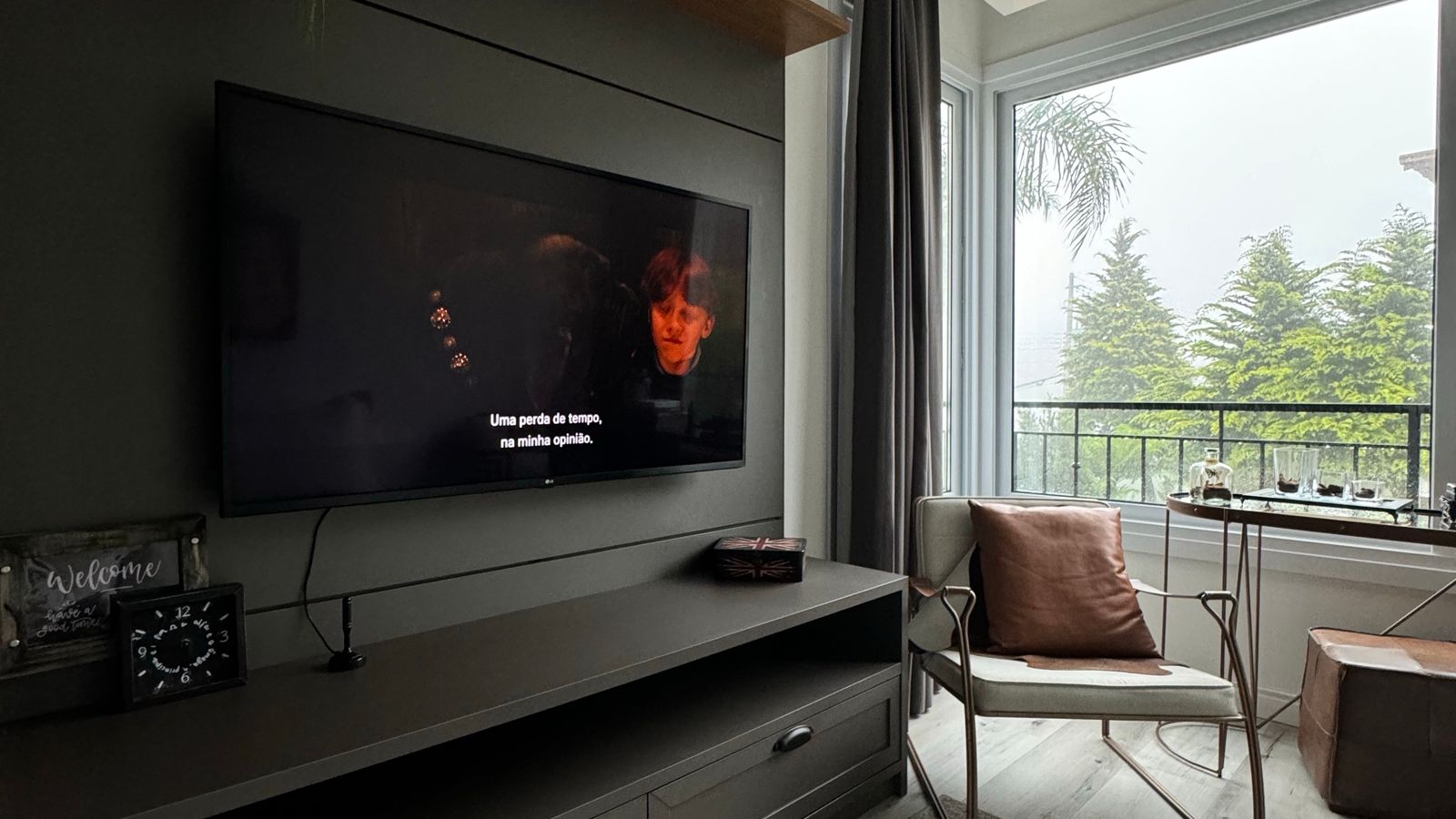
Once cables are secured, slide the stand into its final position. Aim for the center of the TV to sit at eye level when seated, which typically means the stand’s top surface should be about 18 to 24 inches off the floor for standard sofas. Leave enough walking space, generally 30 to 36 inches, between the stand and any seating so the room doesn’t feel cramped.
Step 6: Add a Pouf Ottoman for Flexible Seating
With the media area organized, turn your attention to seating flexibility. A pouf ottoman is one of the easiest ways to add extra seating or a footrest without committing to a bulky piece of furniture. Place it near the sofa or between two chairs so it can double as a coffee table surface with a tray on top. Browse our guide to pouf ottomans to find a size, shape, and fabric that complements your existing decor.
Step 7: Style and Finish the Layout
Finish the space by adding a throw blanket, a small tray of remotes on top of the stand, and a plant or lamp to soften the tech-heavy corner. If you still need extra storage for board games, blankets, or media accessories, consider adding one of our best accent cabinets nearby to keep everything within reach but out of sight.
Safety Notes
- Never overload a single power strip; check its wattage rating against your combined devices.
- Anchor the TV stand or use anti-tip straps if you have kids or pets who might climb on furniture.
- Keep cables away from foot traffic paths to prevent tripping hazards.
- Avoid running cables under rugs, which can trap heat and wear down insulation over time.
- Unplug and let the power strip cool if it feels warm to the touch after extended use.
Common Mistakes to Avoid
- Buying a TV stand that’s too small for your television, leaving no room for ventilation.
- Skipping the cable-length plan and ending up with cords too short to reach outlets.
- Bundling power cables and HDMI cables together too tightly, which can cause signal interference.
- Forgetting to leave slack for a swiveling or height-adjustable TV mount.
- Placing the pouf ottoman too close to the TV stand, blocking walking paths.
Maintaining Your Setup Over Time
Once everything is organized, a little regular maintenance keeps it that way. Dust the back panel and cable channels every few months, since dust buildup near power strips can be a fire hazard. Re-check cable ties periodically, as they can loosen with repeated furniture cleaning or vacuuming nearby. If you add a new device, like a soundbar or gaming console, take five minutes to route its cable properly rather than letting it dangle loose.
Frequently Asked Questions
How do I hide cables without a cable-management TV stand?
If your current stand lacks built-in channels, adhesive cable clips, a fabric cable sleeve, or a simple cord cover strip along the wall can achieve a similar clean look.
What size pouf ottoman works best in a small living room?
A round pouf between 16 and 20 inches in diameter typically fits well in smaller spaces without overwhelming the seating area, while still offering a comfortable footrest.
Can I use a power strip with surge protection instead of a basic one?
Yes, and it’s actually recommended, since surge protection helps safeguard your TV and streaming devices from power spikes.
How often should I reorganize my cable setup?
Check it whenever you add or remove a device, and do a full inspection about twice a year to catch loose ties or dust buildup.
Final Thoughts
Organizing your living room around a cable-management TV stand and a pouf ottoman is one of the most impactful weekend projects you can tackle. It clears visual clutter, makes the space safer, and adds flexible seating that adapts to movie nights, guests, or quiet evenings alone. With the steps above, you’ll have a media corner that looks intentional rather than accidental, and a layout that’s easy to maintain for years to come.





